We’ve all done it. You need to process a CSV export or a large log file, so you reach for fs.readFile(). It works perfectly on your Mac M1 with 32GB of RAM. Then you deploy it to a small AWS instance, and—boom—FATAL ERROR: Ineffective mark-compacts near heap limit Allocation failed - JavaScript heap out of memory.
In the world of GhiKankhewer, we don't fix this by upgrading to a 16GB RAM instance. We fix it with Streams.
The "Bucket" vs. The "Pipe"
Imagine you need to move a swimming pool's worth of water.
- The Standard Way (
readFile): You try to find a bucket big enough to hold the entire pool. You fail. Your back breaks (The RAM crashes). - The Stream Way: You use a pipe. You don't care how big the pool is; you only care about how much water passes through the pipe at any given second.
The Strategic Tkhwira: stream.pipe()
Instead of loading the whole file into memory, we process it piece by piece (chunks).
The Implementation
Here is how you transform a massive file and upload it to S3 without breaking a sweat:
const fs = require('fs');
const zlib = require('zlib');

// Create a read stream (The Pool)
const readStream = fs.createReadStream('./massive-log.txt');

// Create a transform stream (The Filter/Compressor)
const gzip = zlib.createGzip();

// Create a write stream (The Destination)
const writeStream = fs.createWriteStream('./massive-log.txt.gz');

// Connect the pipes
readStream
  .pipe(gzip)
  .pipe(writeStream)
  .on('finish', () => console.log('Done without crashing the server!'));
Why this is a "Senior" Move
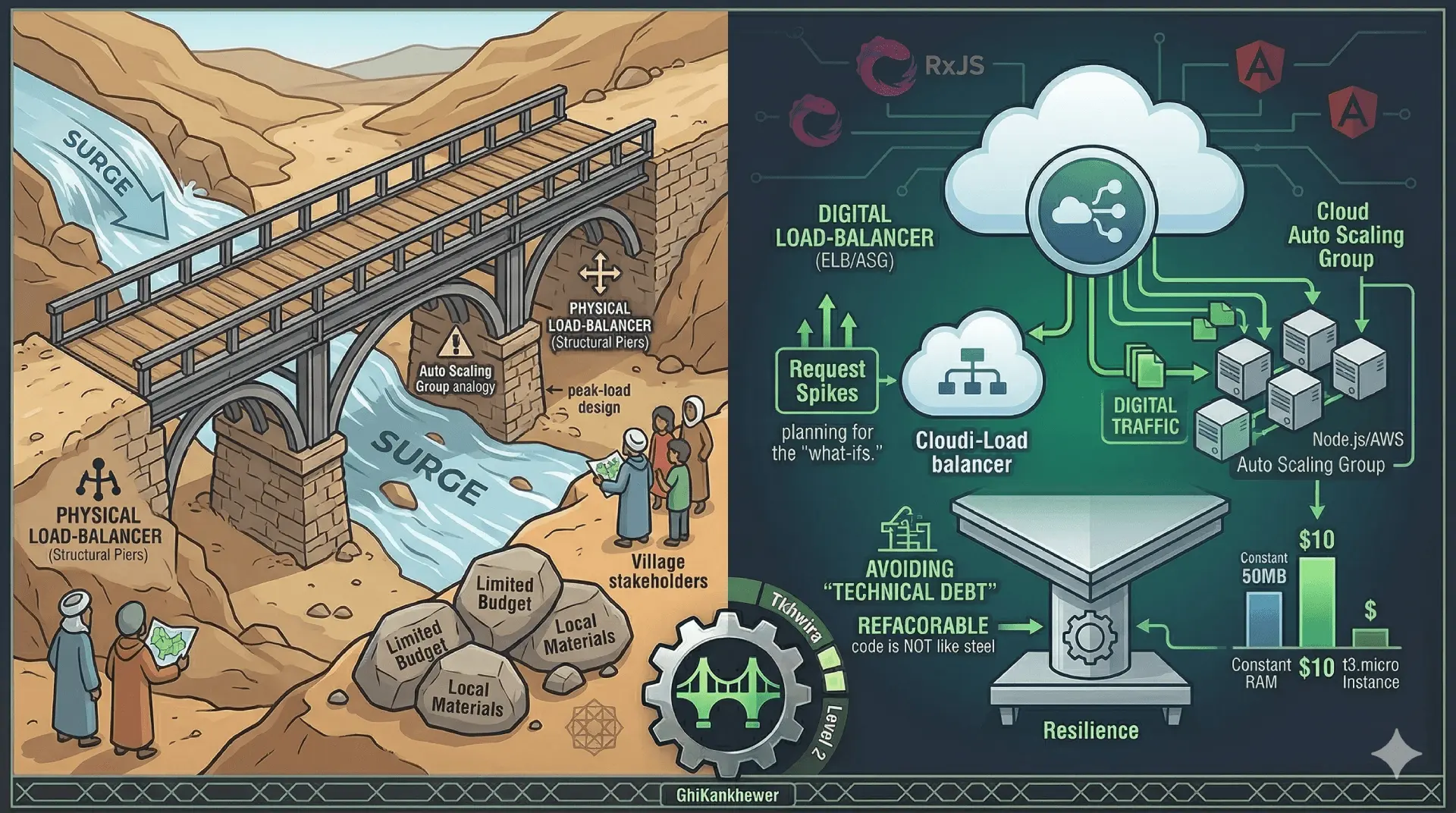
When you use Streams, your memory usage stays constant. Whether the file is 10MB or 10GB, your Node.js process might only use 50MB of RAM.
This is the ultimate cost-saving Tkhwira. You can run massive data pipelines on a t3.micro instance that costs $10 a month, while the "Enterprise" guys are paying $200 for a massive EC2 instance just to compensate for bad code.
The Lesson: Don't throw hardware at a software problem. Use a pipe.